



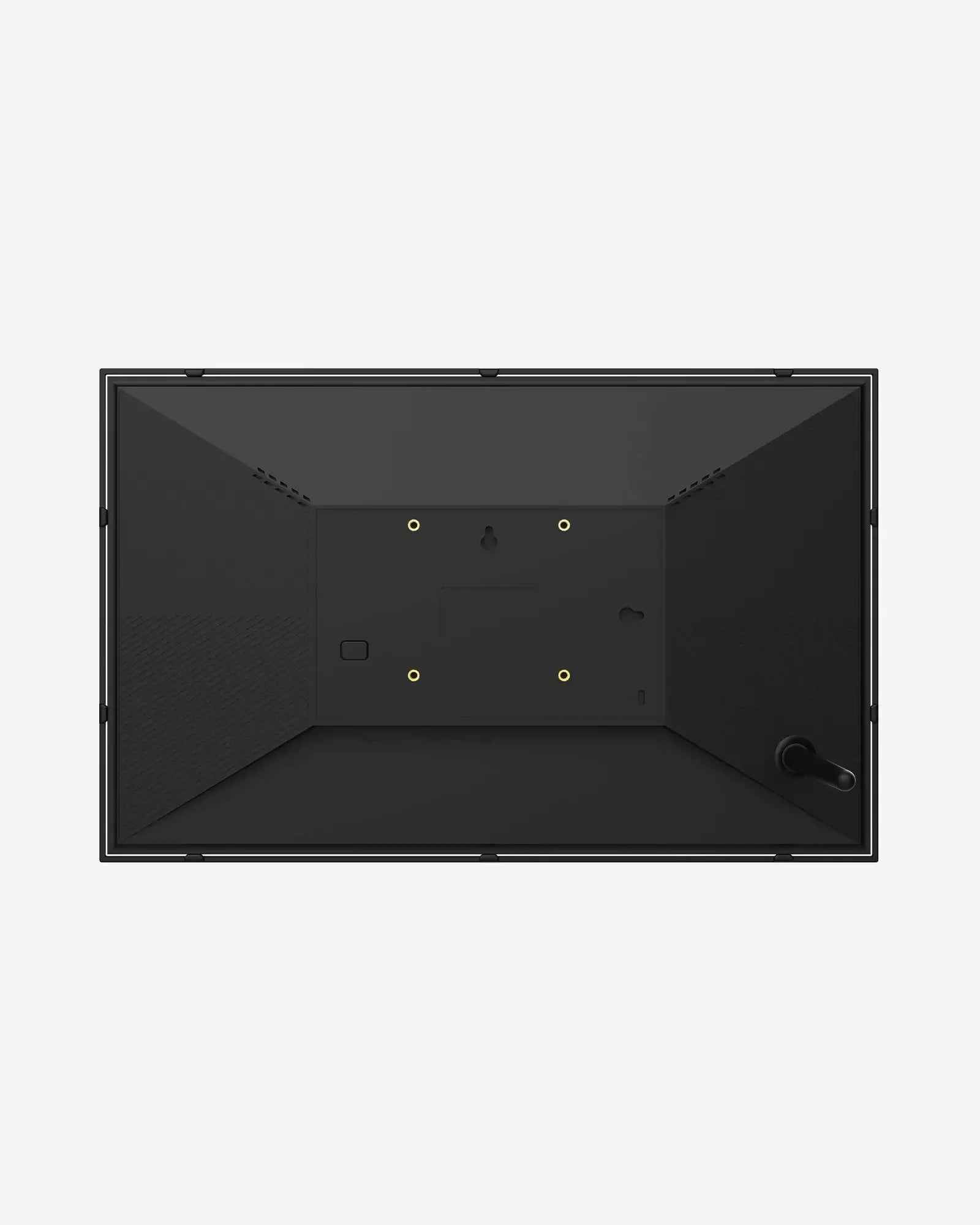
Framilly 15.6" Digital Photo Frame

$199.90 USD
$249.90 USD
Save $50.00 USD
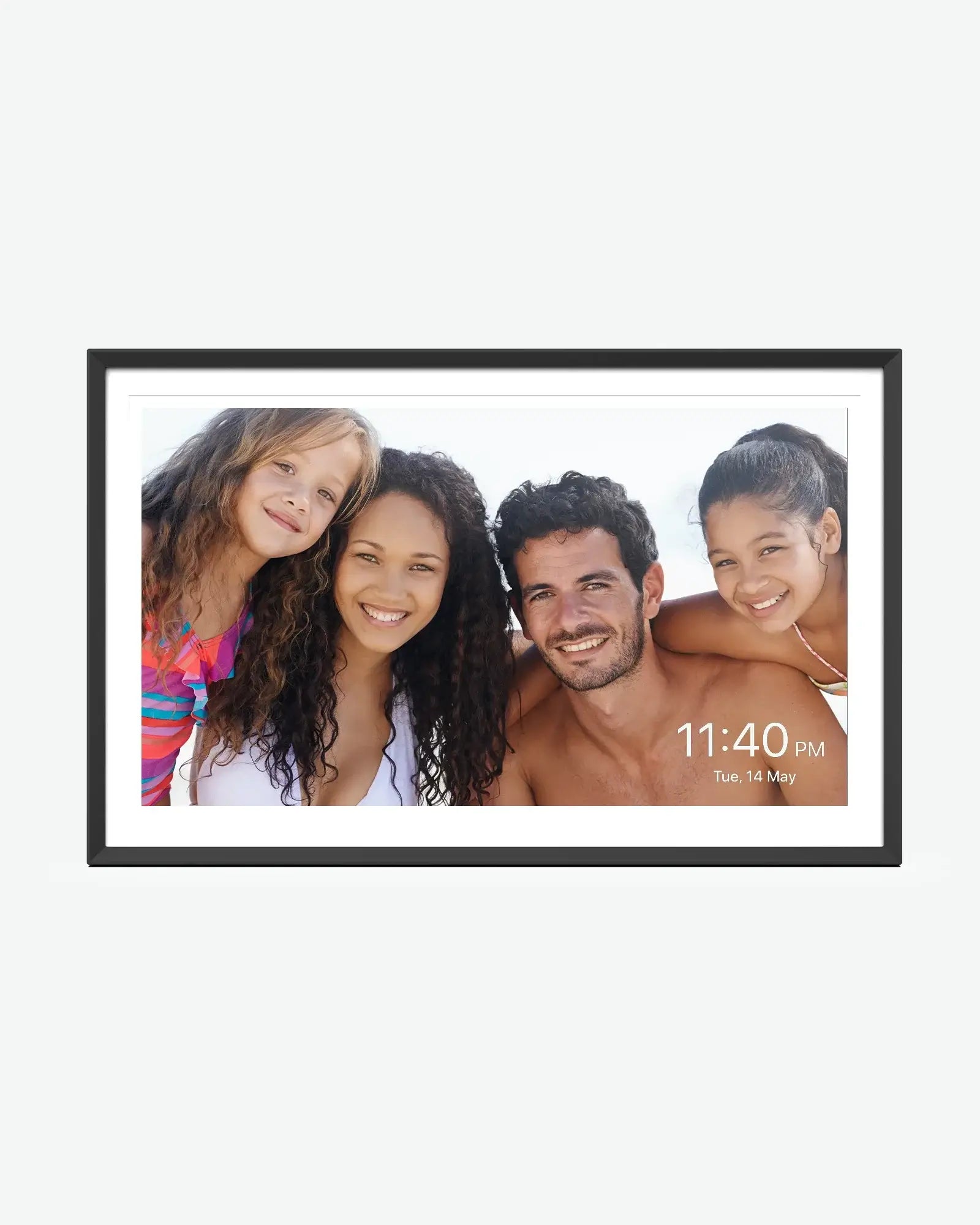
  • 15.6-inch 1080p FHD IPS touchscreen, 16:9 aspect ratio
  • 178° viewing angle providing a good visual experience
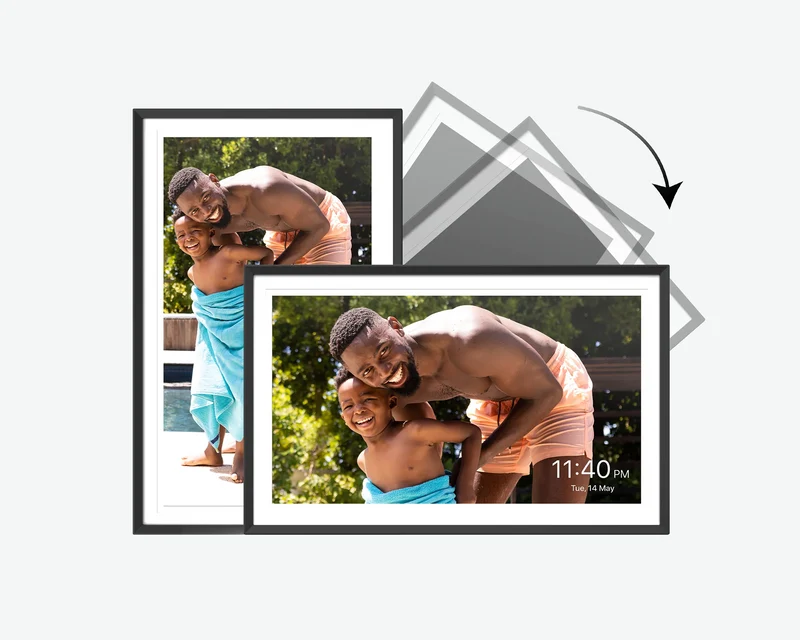
  • Auto-rotate screen for both vertical and horizontal orientations
  • Instantly share precious moments with the Nixplay app (available for both Android and iOS devices)
  • Easy setup in just a few steps
  • Privacy, security, and free cloud storage
  • Built in Alexa voice assistant
  • Smart, personalized design & smart sound sensor
  • 15.6-inch 1080p FHD IPS touchscreen, 16:9 aspect ratio
  • 178° viewing angle providing a good visual experience
  • Auto-rotate screen for both vertical and horizontal orientations
  • Instantly share precious moments with the Nixplay app (available for both Android and iOS devices)
  • Easy setup in just a few steps
  • Privacy, security, and free cloud storage
  • Built in Alexa voice assistant
  • Smart, personalized design & smart sound sensor
Customer Care

Help with setup, sharing photos and everyday use.

Free Shipping

Fast and free U.S. delivery

Risk-Free Trial

Easy returns within 30 days

Product Dimensions
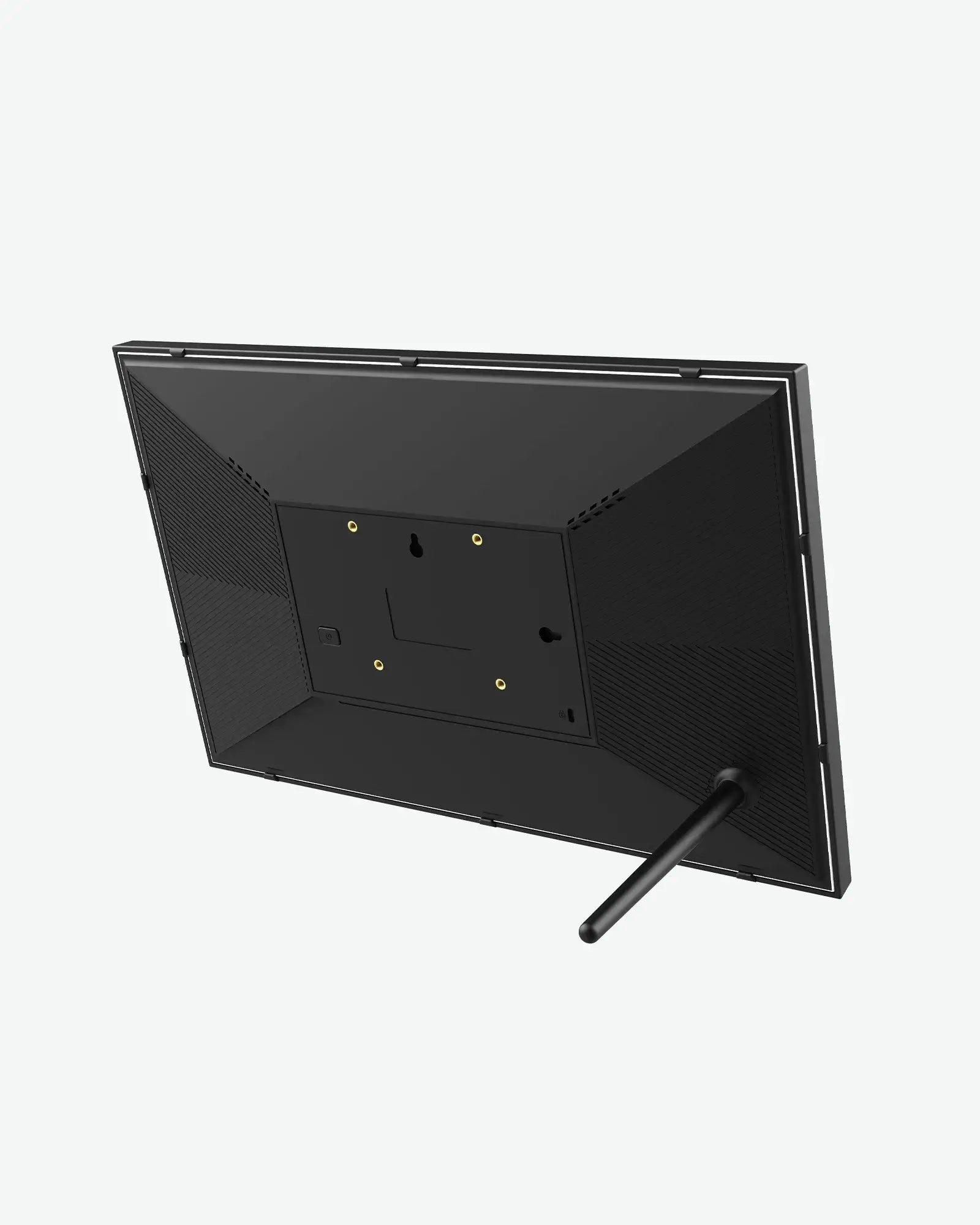
10.1-inch photo frame dimensions: 10.35 × 7.15 × 1.13 inches
In the Box
  • 15.6" Digital Photo Frame ×1
  • Power adapter ×1
  • User manual ×1
Sustainability Features
ClimatePartner label

Responsible disposal

Follow local guidance for recycling packaging and electronic devices. Contact customer support for product care and disposal information.

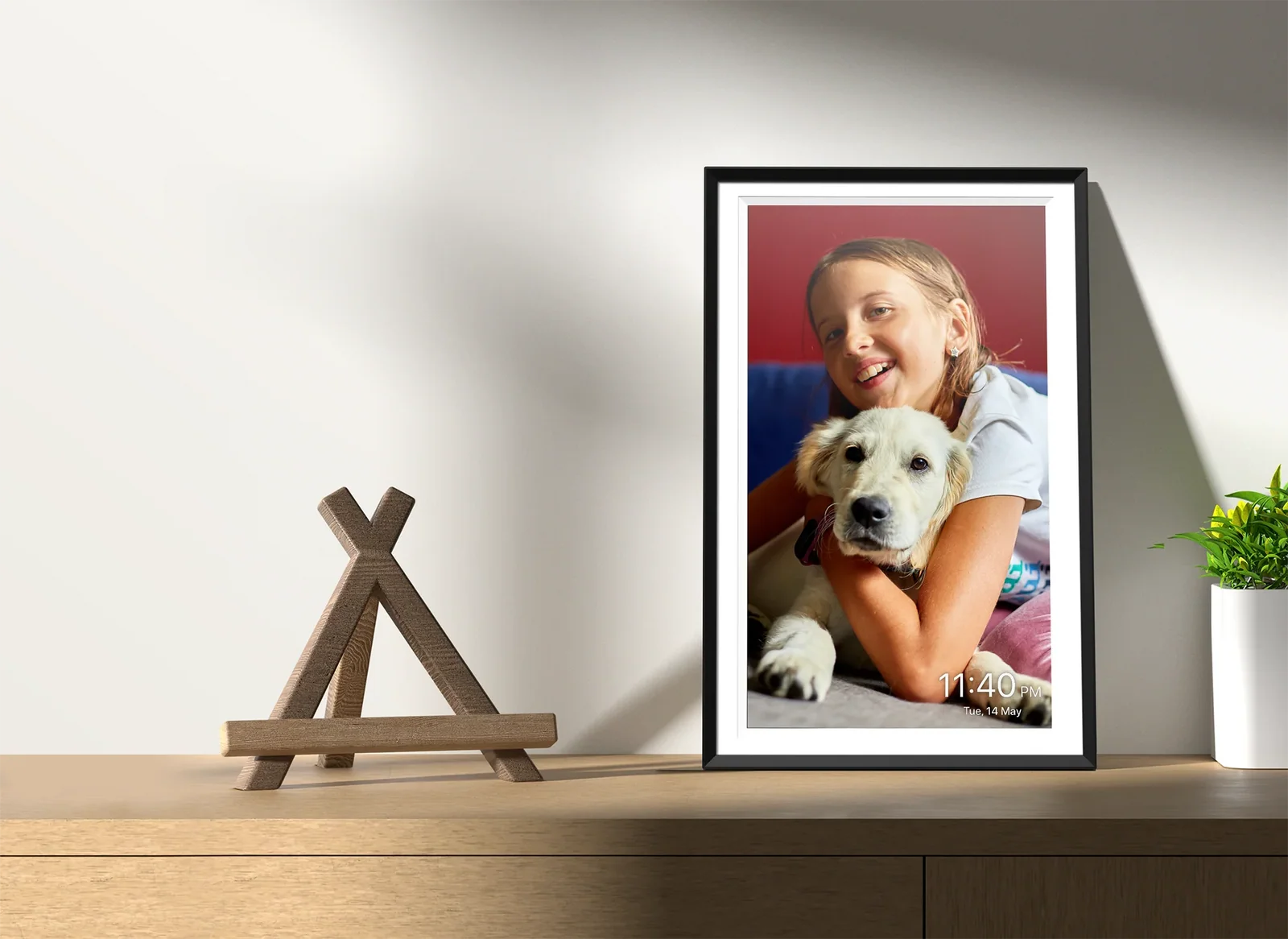
Frames for your memories.
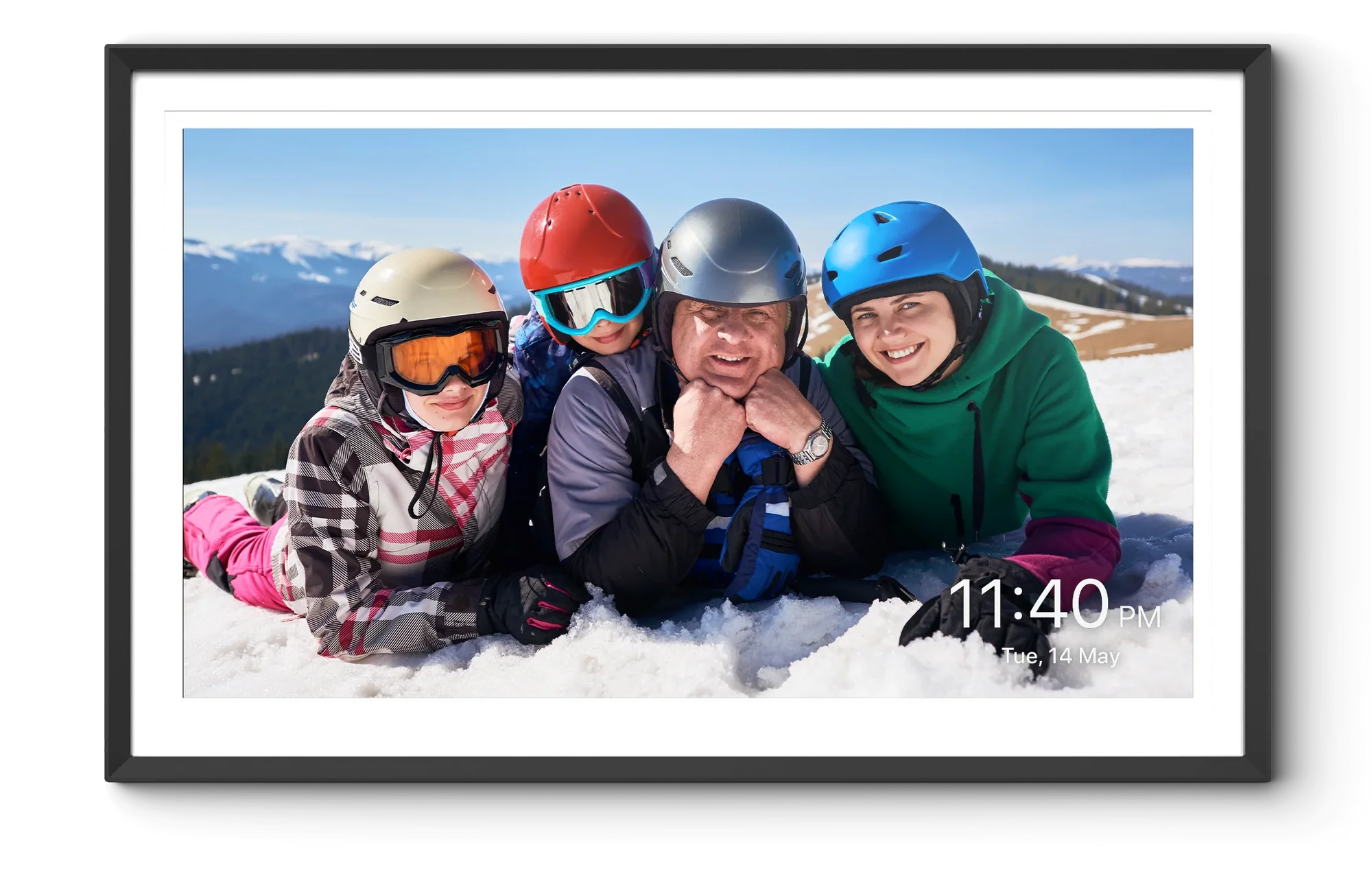
Bring all your treasured memories to life. Experience the perfect way to showcase your special moments with ApoloSign Digital Photo Frames.

Bring all your treasured memories to life. Experience the perfect way to showcase your special moments with ApoloSign Digital Photo Frames.

Display the way you like.

Because of the auto-rotate function, you can put this 15.6" Digital Photo Frame for both vertical (portrait) and horizontal (landscape) orientations. It's all up to you.
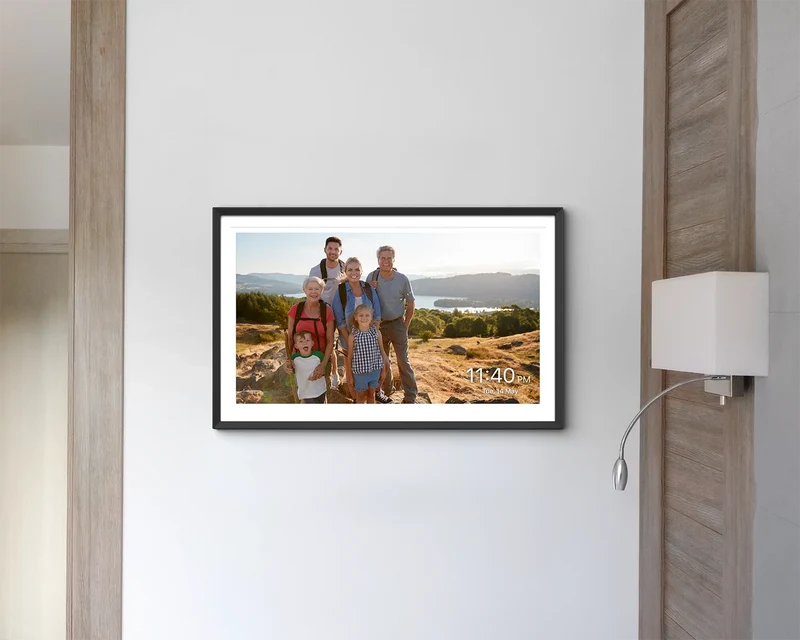
Wide viewing angle.

The IPS screen has a viewing angle of 178 degrees allowing the screen to display consistent colors and brightness within a wider range of angles.
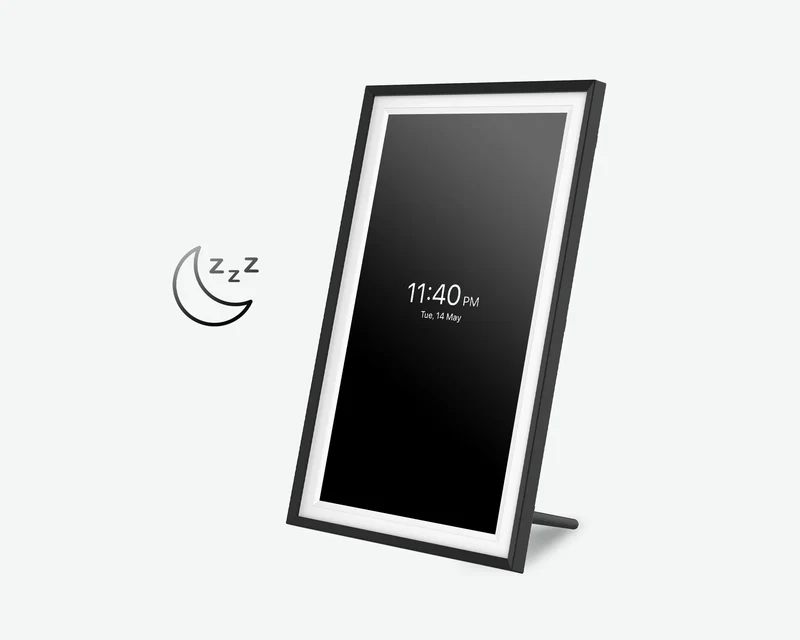
Sleep mode.

Set time for your frame to automatically power off, without the need of manual operation everyday. During sleep mode, the frame displays a sleek clock for easy time-checking, without having to wake up the display fully.
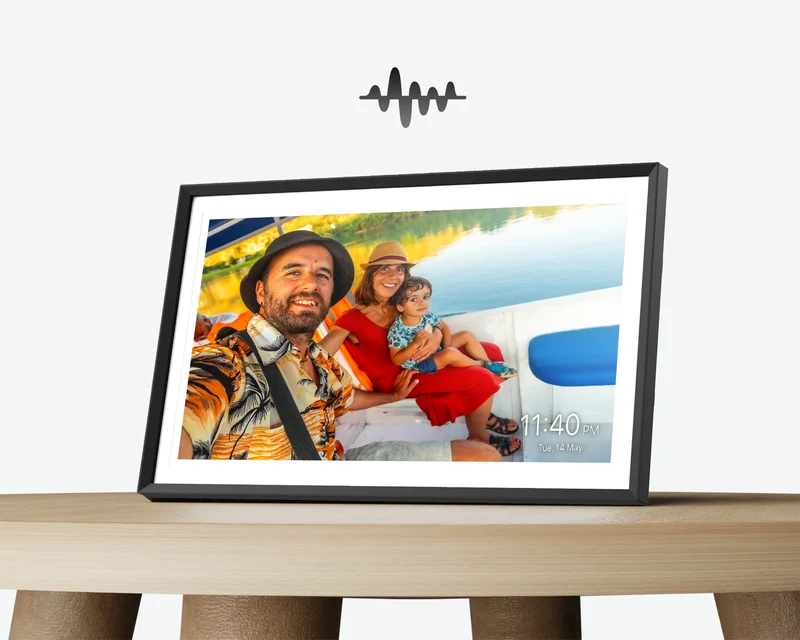
Built-in smart sound sensor.

The built-in motion sensor activates the frame when you’re nearby and puts it to sleep when you leave the room. Your photos are always ready when you are, without wasting energy.
Display the way you like.

Because of the auto-rotate function, you can put this 15.6" Digital Photo Frame for both vertical (portrait) and horizontal (landscape) orientations. It's all up to you.

Wide viewing angle.

The IPS screen has a viewing angle of 178 degrees allowing the screen to display consistent colors and brightness within a wider range of angles.

Sleep mode.

Set time for your frame to automatically power off, without the need of manual operation everyday. During sleep mode, the frame displays a sleek clock for easy time-checking, without having to wake up the display fully.

Built-in smart sound sensor.

The built-in motion sensor activates the frame when you’re nearby and puts it to sleep when you leave the room. Your photos are always ready when you are, without wasting energy.

The Frameo App

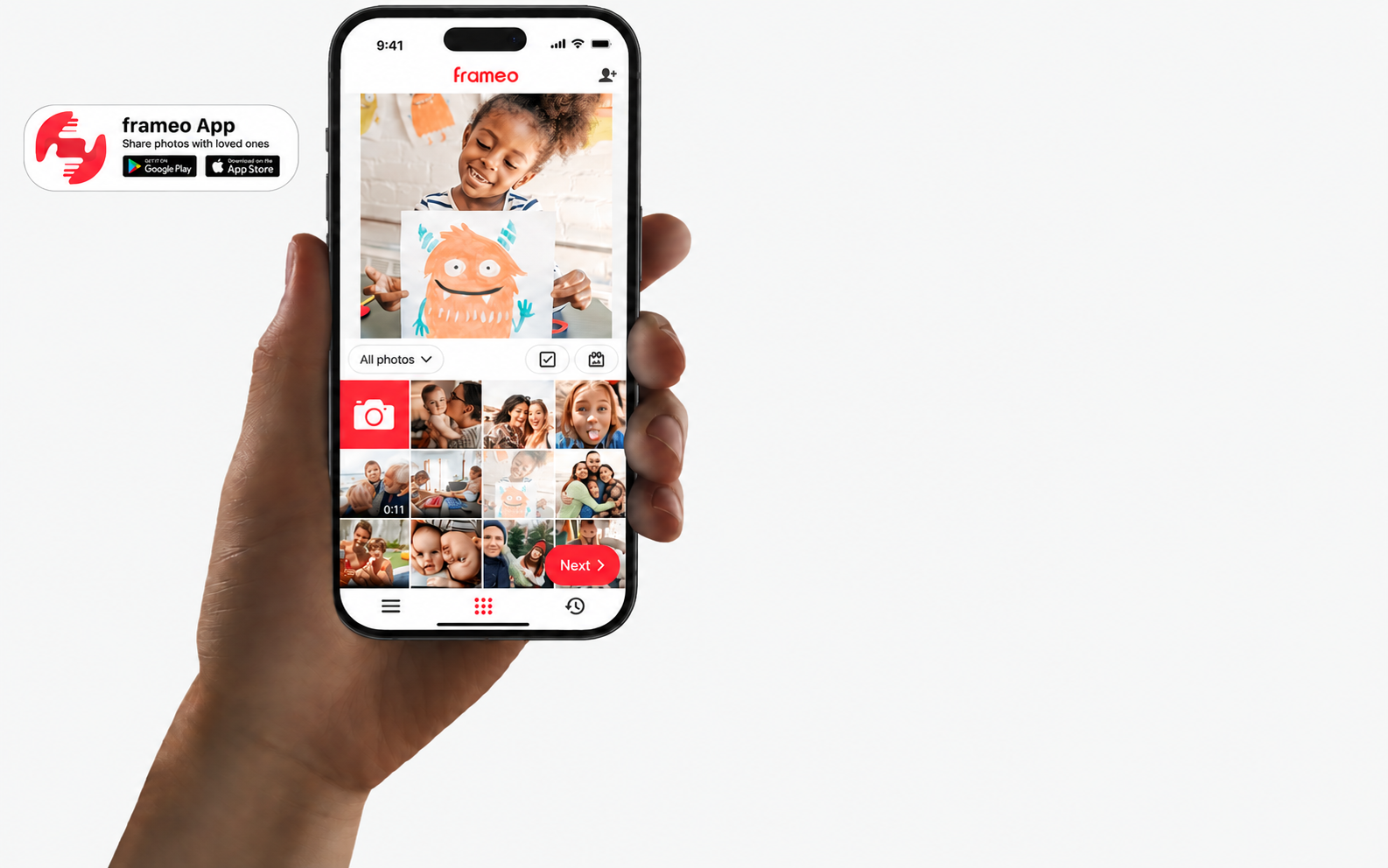
Hassle-free frame control with your phone.

Remotely control all frame features from the Nixplay app. The app home screen gives you a view of what’s being shown on the Nixplay frame (as well as the frame’s orientation), putting playlist and frame control perfectly in the palm of your hand.

Easy to use.

Download it

Download the app to your smartphone first. It's available on both iOS and Android.
Capture it

Take photographs and videos of everything you love and turn them into lasting memories. Nixplay prompts and guides you through the best methods for capturing your story.
Upload it

Upload your photographs and videos to Nixplay albums, share them and assign them to your digital picture frames. Make sure your phone and photo frame are connected to a same Wifi.
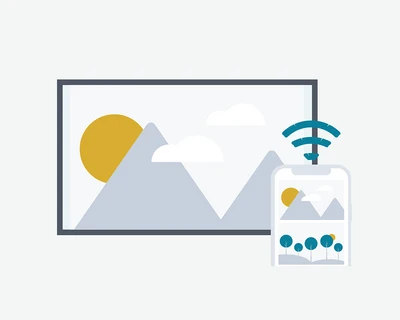
Show it

Now you can see your photos on the digital photo frame and place it wherever you like. They are the perfect way for you and your loved ones to relive favorite memories.

Download it

Download the app to your smartphone first. It's available on both iOS and Android.

Capture it

Take photographs and videos of everything you love and turn them into lasting memories. Nixplay prompts and guides you through the best methods for capturing your story.

Upload it

Upload your photographs and videos to Nixplay albums, share them and assign them to your digital picture frames. Make sure your phone and photo frame are connected to a same Wifi.

Show it

Now you can see your photos on the digital photo frame and place it wherever you like. They are the perfect way for you and your loved ones to relive favorite memories.

Explore more in this app.

Pair your frame easily

Use the Nixplay app to pair with your 10.1-inch Digital Photo Frame quickly and easily, straight out of the box. When your phone and frame are on the same wi-fi network, pairing is a cinch.

Connect to Google Photos

The Nixplay Mobile App works with Google Photos so your Google albums automatically update on your digital photo frame. A simple one-time authorization is all you need to keep your frame's playlists updated.

Share with friends

Grow your private network. Share individual
photo and video moments (or entire playlists)
to your friend's Nixplay frame or invite them to share to yours. The Nixplay App is all that is required.

Pair your frame easily

Use the Nixplay app to pair with your 10.1-inch Digital Photo Frame quickly and easily, straight out of the box. When your phone and frame are on the same wi-fi network, pairing is a cinch.

Connect to Google Photos

The Nixplay Mobile App works with Google Photos so your Google albums automatically update on your digital photo frame. A simple one-time authorization is all you need to keep your frame's playlists updated.

Share with friends

Grow your private network. Share individual
photo and video moments (or entire playlists)
to your friend's Nixplay frame or invite them to share to yours. The Nixplay App is all that is required.

Product Specifications

Here is some information you might want to know about this product.

Display

Screen Size15.6-inch
Display TypeLCD 10-point touch screen
Resolution1920×1080px (1080p)
Aspect Ratio16:9
CPURK33326 Quad-core cortex A35
RAM1GB
ROM32GB
Operating SystemAndroid 8.1
Wi-Fi® StandardIEEE 802.11 b/g/n 2.4G
USB-C× 1
Speakers8Ω/2W ×2

FAQs

Got a Question? We’ve Got Answers.

Customer support

Find answers to common questions about this product. If you cannot find what you need, we are here to help.

Contact us
The Photo Frame cannot connect to WiFi?
Please use a paper clip to press and hold the reset button located in the small hole on the back of the frame. After resetting, try reconnecting the frame to a Wi-Fi network.
How can I set up my Nixplay frame?
Turn on the frame and follow the on-screen setup to choose your language and connect to Wi-Fi. Download the Frameo app on your phone. Tap Add friend on the frame to generate a code, then enter it in the app.
How to add photos in Nixplay app?
Select a photo in the Frameo app, choose a connected frame, add a caption if you like, adjust the photo and send it. Keep the frame connected to the internet to receive new photos.
How can I add friends and receive/send photos with them?
Tap Add friend on the frame and share the code with your friend. They can enter the code in their Frameo app before it expires. Once connected, they can send photos to your frame.
Any Question?
Here are three ways to get support. 1.more FAQs 2.Contact our specialists via live chat or email (support@apolosign.com) 3.Support Center