






Software

Everything Your Family Needs, All in One Place
Plan your calendars, tasks, meals, shopping, and more with Apolosign, no subscription.
Shop Calendar Try App FreeOne App to Plan, Organize, and Manage Family
Explore More Tips
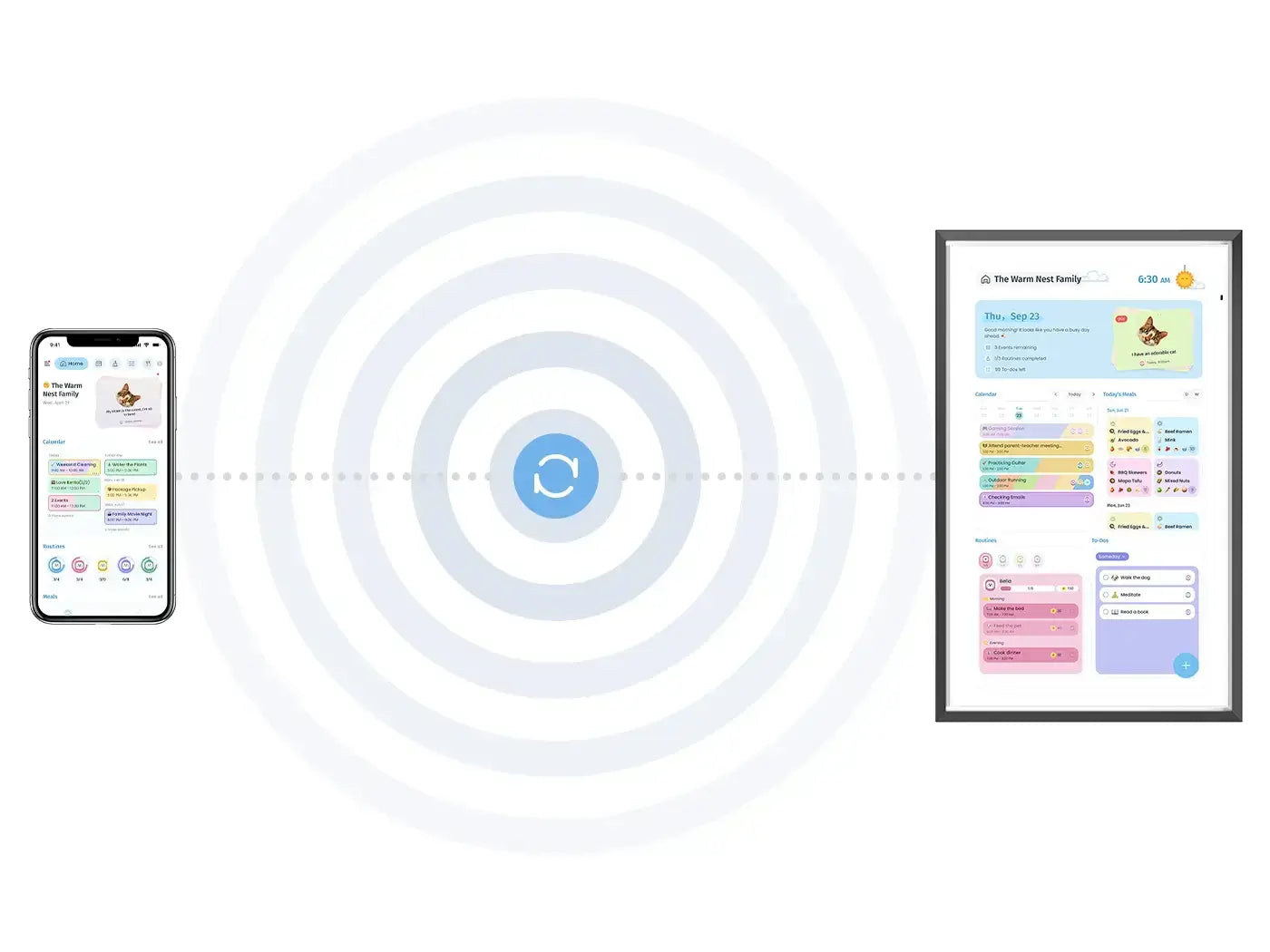
Connect Devices, Display Your Family Schedule.
Organize Family Life on one Shared Screen
Rethink your family’s daily life around one shared screen, helping everyone stay organized, build good habits, and grow together.
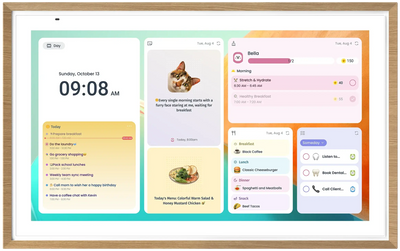
📅 Schedule
📝 Sticky Notes
🧹 Routine Chore
🥗 Meal Plan
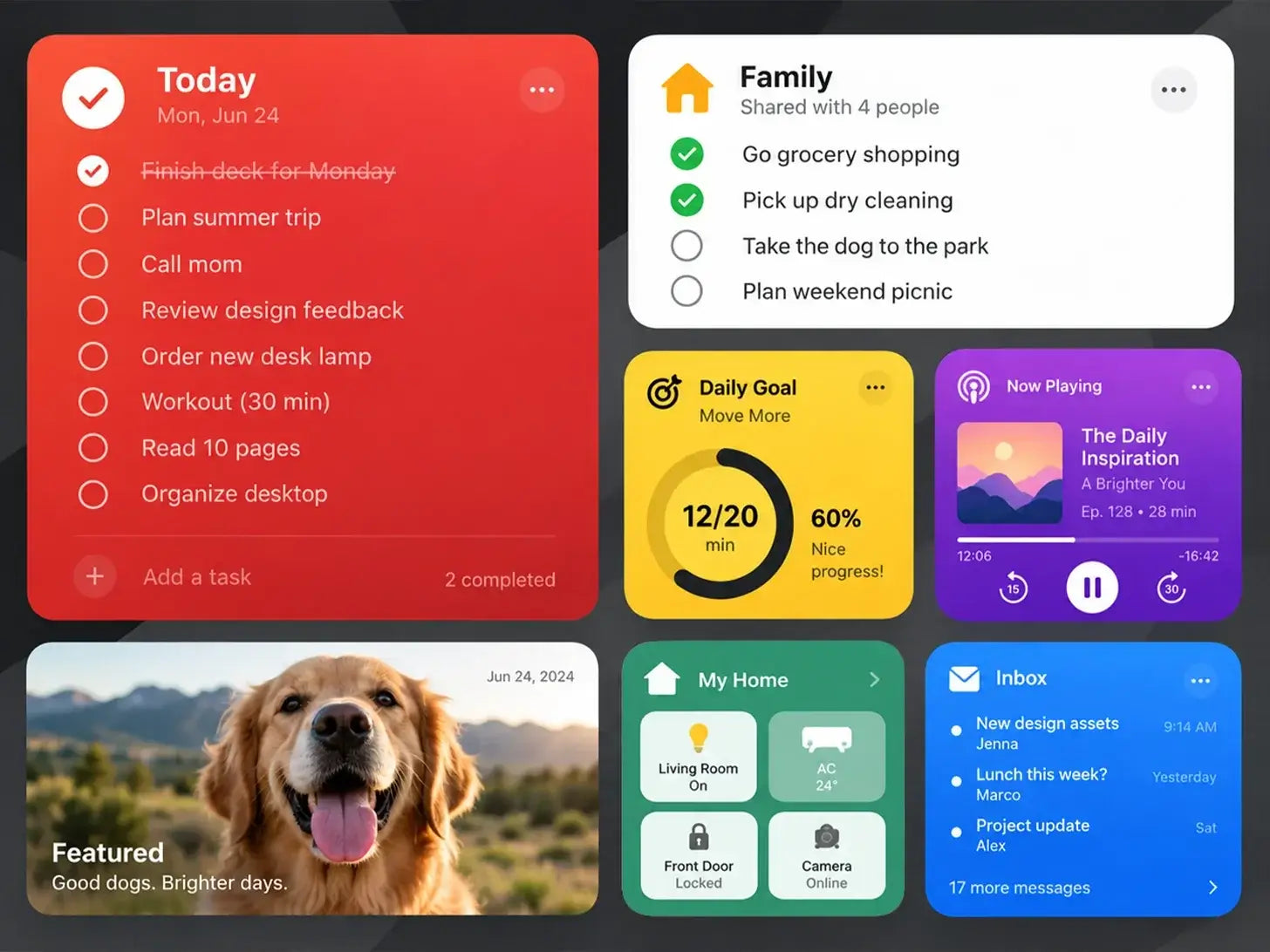
Widget Dashboard
Make It Your Family Hub
Create your own family hub in Android mode with the widgets, apps, and information that matter most.
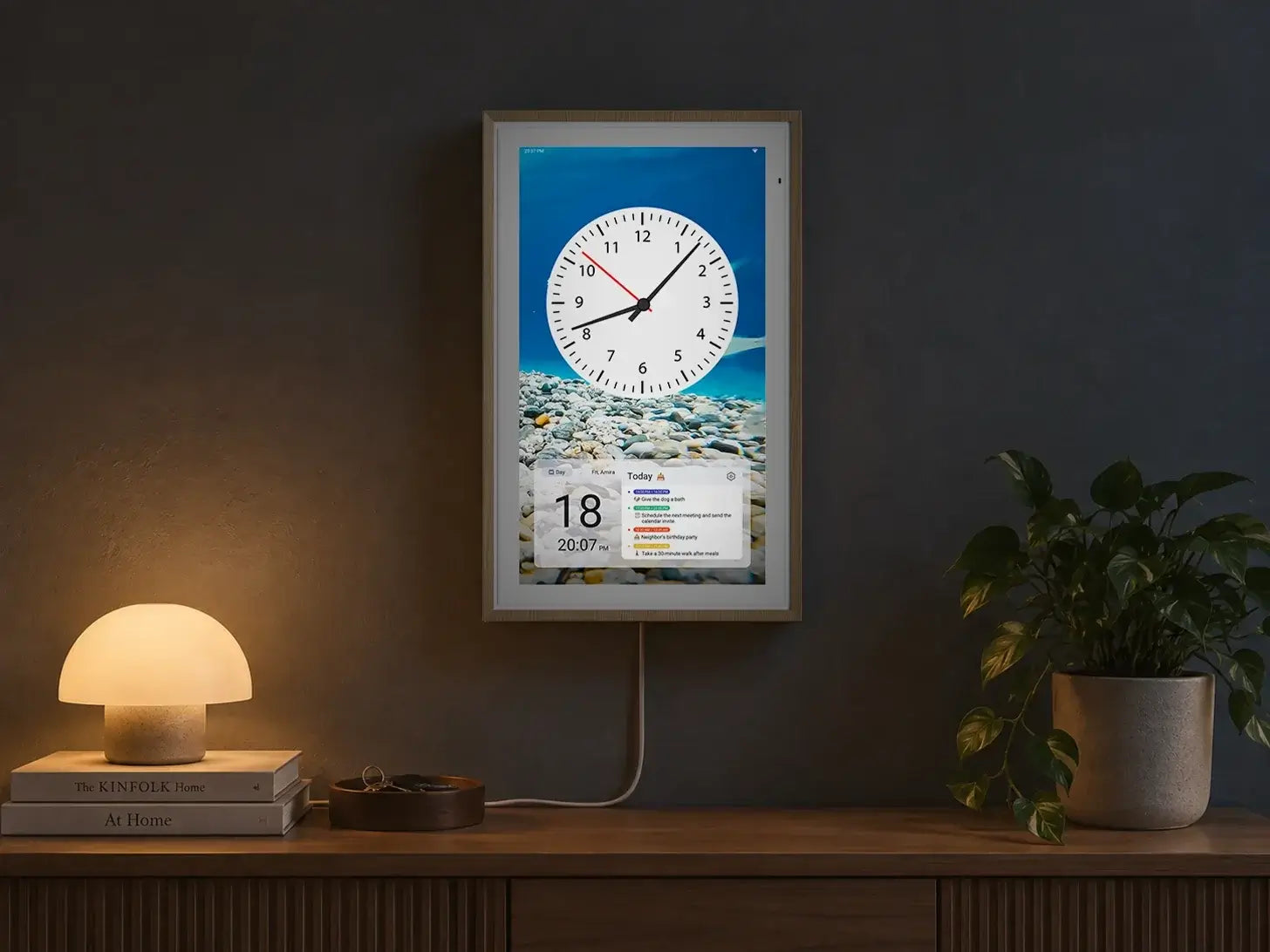
Night Mode
Made for Day & Night
Automatically sleep at night or switch to softer colors for a more comfortable display.
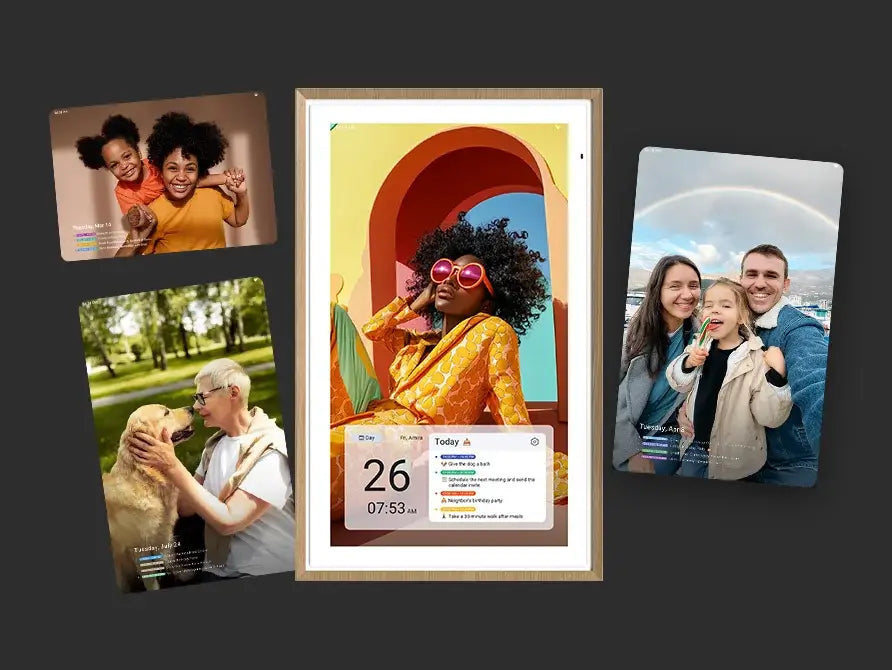
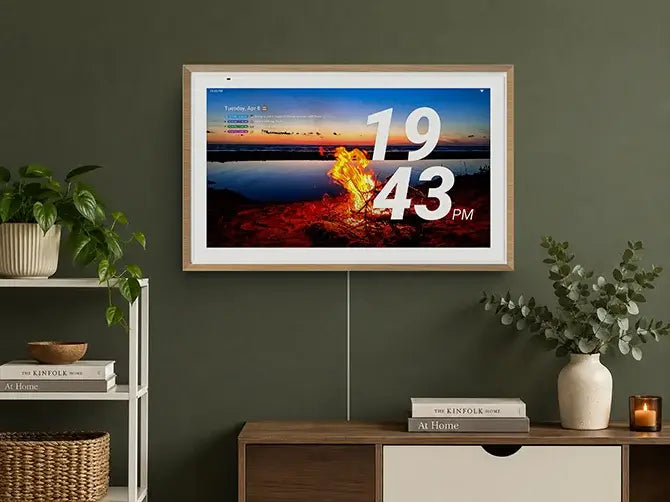
Photo Screensaver
When Idle, Make It Your Display
Display Photos, Fireplaces, Clocks, and More.
Turn Every Moment Into a Display.
Release Notes
-
V 2.0.0 Sep 23, 2026 Sep 23
Comprehensive app refactoring with an upgraded UI, layout, and color system. The update introduces a new Family view, event highlights, and participant color matching for calendars. Chores and to-dos now support emoji options and creator views with one-click clear. Meal planning features a new Week view and independent recipe creation tools. Message boards include note editing and AI background removal, alongside flexible sidebar and module customizations across both mobile and device sides.
View details -
V 1.5.6 Jun 2, 2026 Jun 02
Added Month View and Schedule View display options to the Apolosign Calendar widget.
View details -
V 1.5.5 Apr 29, 2026 Apr 29
AI recipe recognition is now available, and iCloud Calendar now supports full two-way synchronization, allowing you to seamlessly sync and edit events between your iPhone and Apolosign Calendar. Device-only updates added a Message Board Toggle, providing a new option to easily enable or disable the Message Board feature under Settings > Preferences.
View details -
V 1.5.4 Apr 21, 2026 Apr 21
Fixed several known bugs and optimized the user experience to further improve overall stability and performance.
View details -
V 1.5.3 Apr 2, 2026 Apr 02
Improved overall UI, onboarding, and calendar features for better viewing, with an optimized mobile month view. Google Calendar now supports multi-imports with one authorization, and holiday imports cover more countries. In Chores, filtering and time displays were enhanced, and device filters now remember your last selection. Device-only updates added a Message Board widget with auto-rotation, and improved screen interactions for event creation. Several bugs were fixed for better stability.
View details