









.jpg?w=1600&h=2000)


.jpg?h=2000&q=80&w=1600)
1
/
7
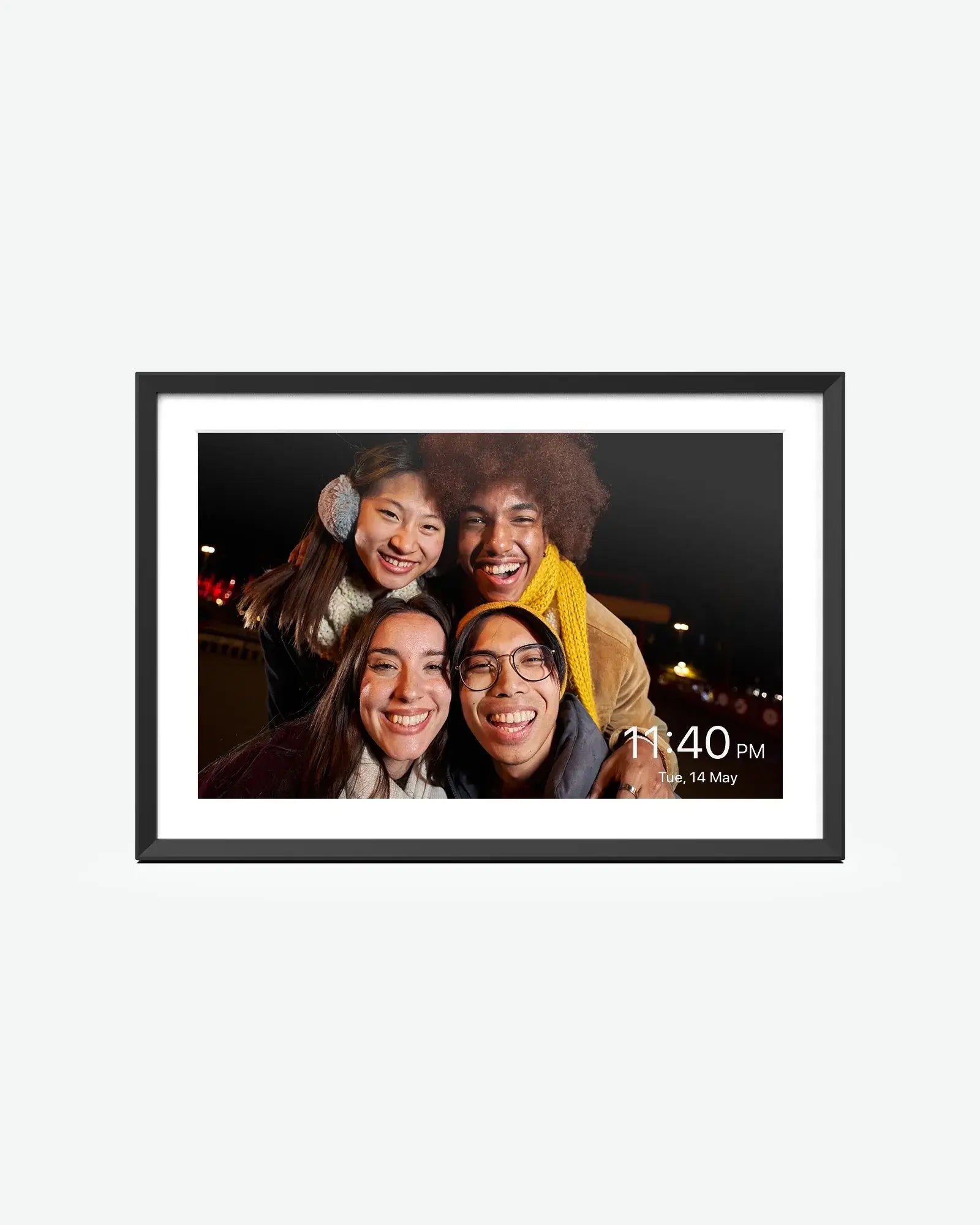
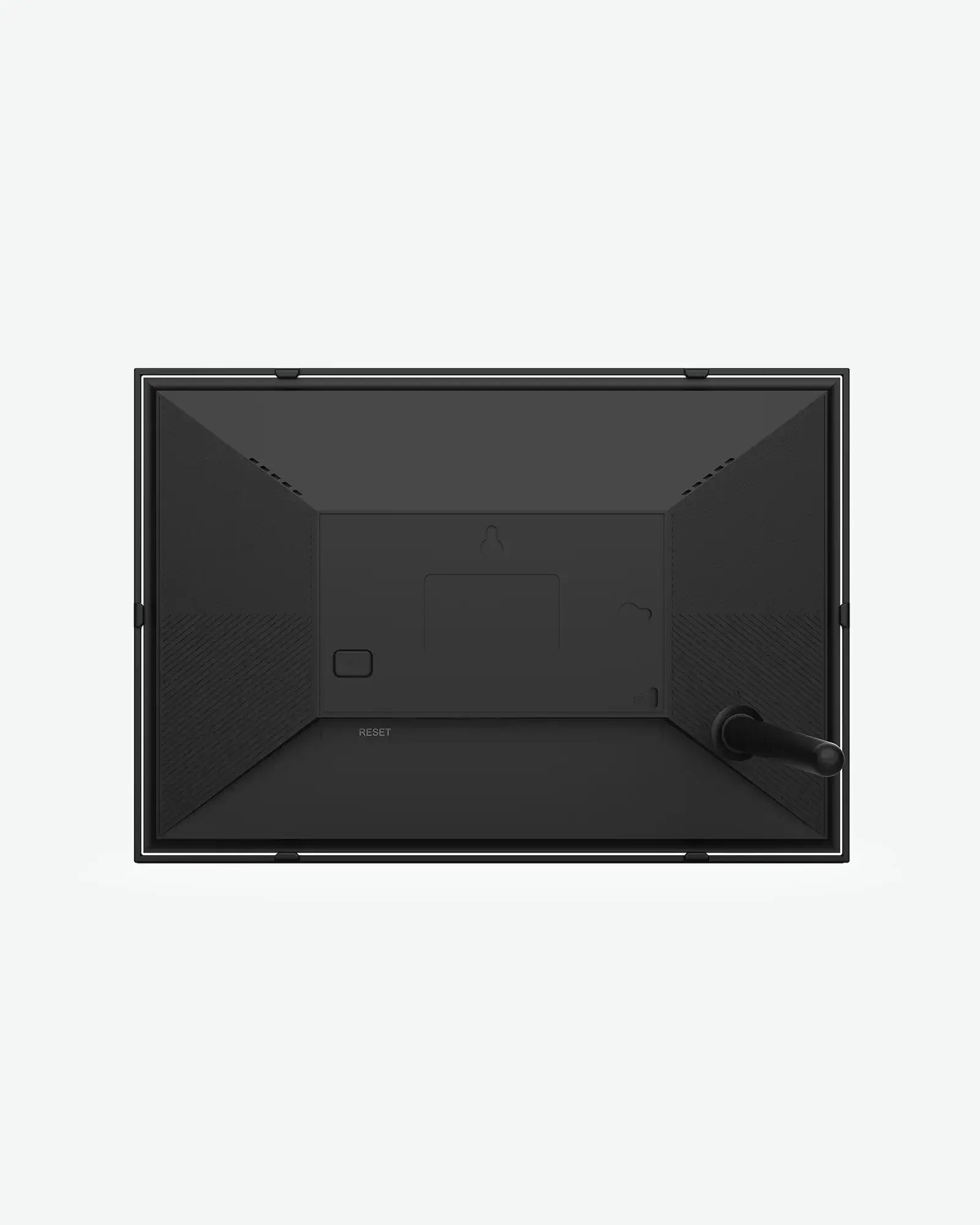
Apolosign 10.1" Digital Photo Frame
$149.00 USD
$199.00 USD
 Free Shipping
Fast and free U.S. delivery
 Risk-Free Trial
Easy returns within 30 days
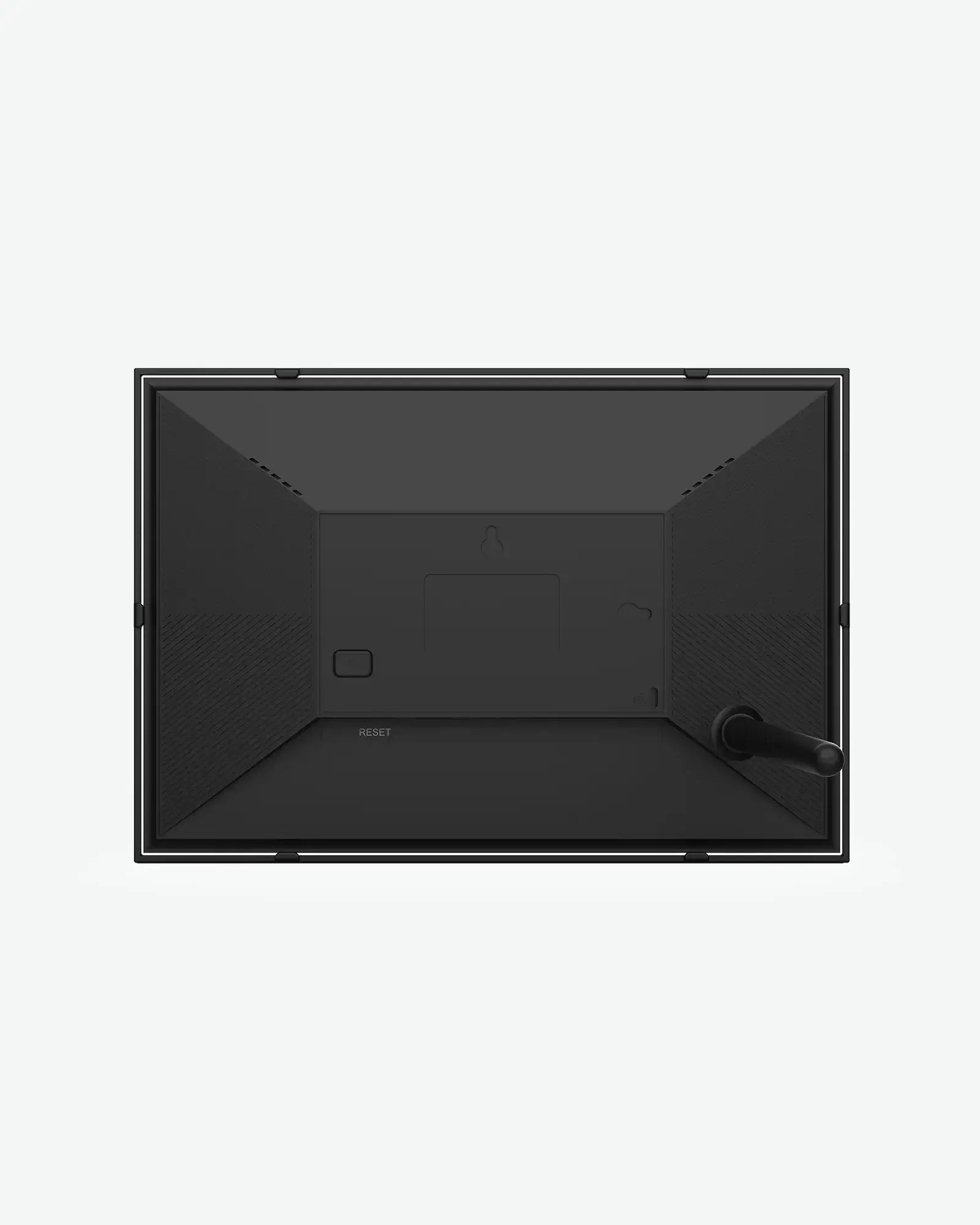
Product Dimensions

In the Box
- 10.1" Digital Photo Frame ×1
- Power adapter ×1
- User manual ×1
Sustainability Features

Responsible disposal
Follow local guidance for recycling packaging and electronic devices. Contact customer support for product care and disposal information.
Delivers vibrant colors and vivd details.
Product Specifications
Here is some information you might want to know about this product.
Display
Screen Size10.1-inch
Display TypeIPS touchscreen
Resolution1280 × 800 pixels
Aspect Ratio16:10
AppFrameo
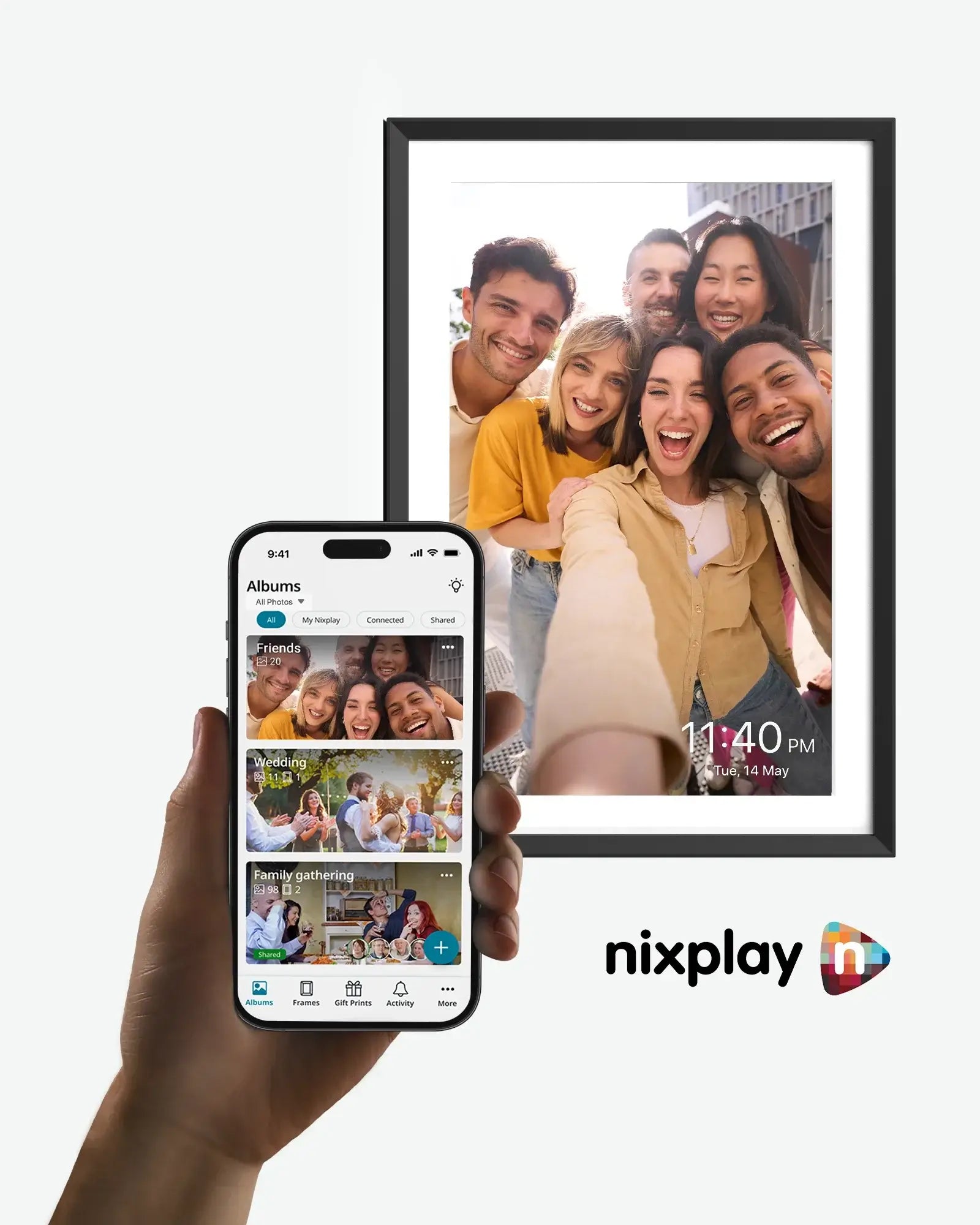
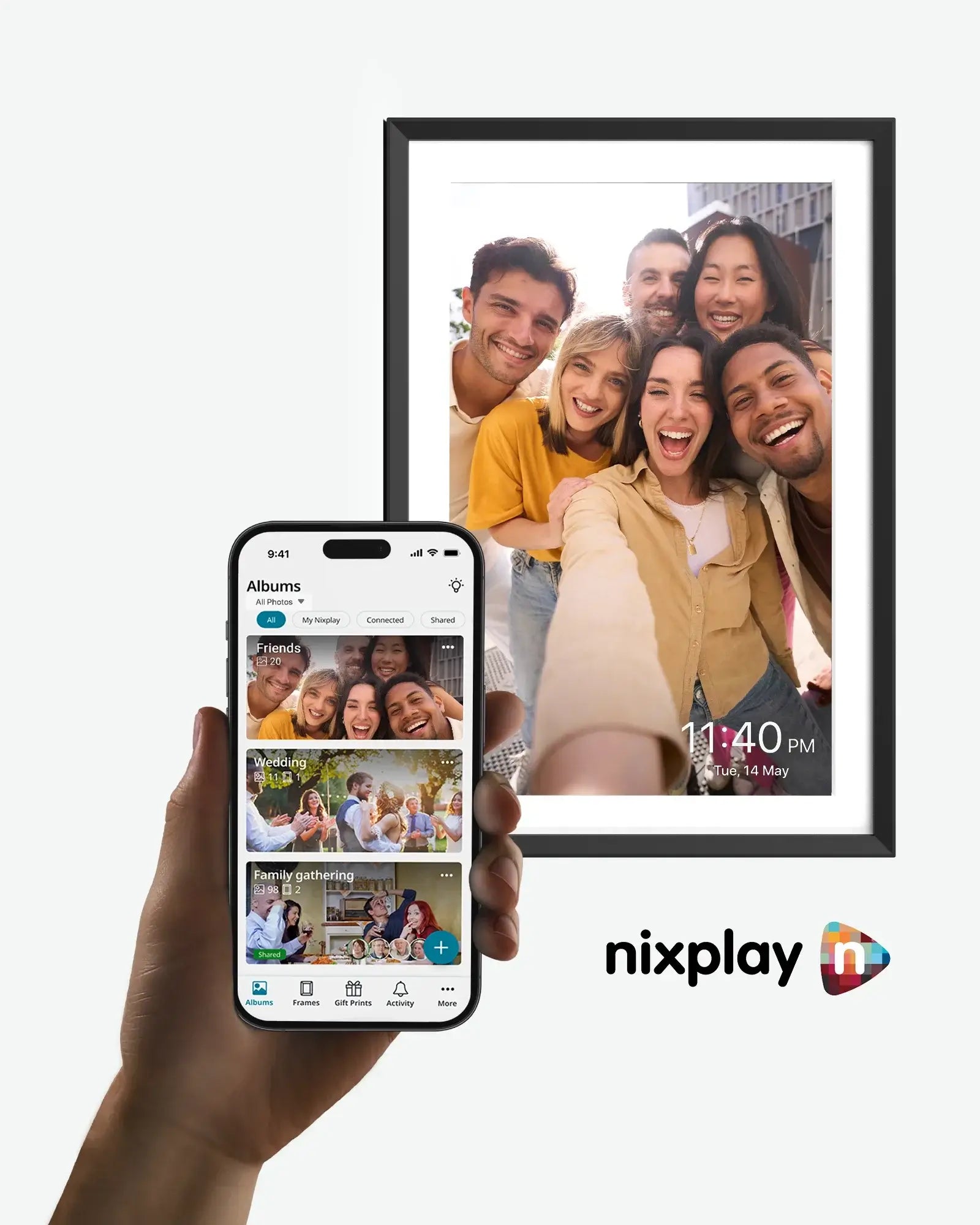
Photo SharingSend photos from the Frameo app
OrientationPortrait and landscape
ConnectionWi-Fi
FAQs
Got a Question? We’ve Got Answers.

Find answers to common questions about this product. If you cannot find what you need, we are here to help.
Contact usMy frame cannot connect to Wi-Fi. What should I do?⌄
Open Settings > Wi-Fi on your frame, select your network and check the password. Move the frame closer to your router and try again. Check your product manual for supported Wi-Fi bands.
How do I set up my Frameo frame?⌄
Turn on the frame and follow the on-screen setup to choose your language and connect to Wi-Fi. Download the Frameo app on your phone. Tap Add friend on the frame to generate a code, then enter it in the app.
How do I send photos with the Frameo app?⌄
Select a photo in the Frameo app, choose a connected frame, add a caption if you like, adjust the photo and send it. Keep the frame connected to the internet to receive new photos.
How can friends and family send photos to my frame?⌄
Tap Add friend on the frame and share the code with your friend. They can enter the code in their Frameo app before it expires. Once connected, they can send photos to your frame.
Have another question?⌄
Use the Contact us button for product assistance. For help with the app, visit the Frameo Help Center at support.frameo.com.
Customer Reviews
No reviews yet.